

Dry Socket vs. Normal Socket After Tooth Extraction: Symptoms and Healing

Dry Socket vs. Normal Socket After Tooth Extraction: Symptoms and Healing
Recognizing a normal socket after tooth extraction is vital for your recovery. Typically, you’ll see a blood clot, feel mild pain, and healing occurs within a few days. This guide will help you identify normal healing and spot complications like dry socket.
Key Takeaways
- A normal tooth socket heals within 3 to 5 days, characterized by decreasing pain, swelling, and the formation of new tissue without complications.
- Mild pain and swelling are expected after extraction, but persistent or worsening pain may indicate complications like a dry socket, warranting immediate dental consultation.
- Proper oral hygiene, avoiding smoking and straws, and adhering to post-extraction care instructions are crucial in preventing dry socket and promoting effective healing.
Understanding a Normal Socket After Tooth Extraction

A tooth socket, the hollow space in the jawbone where the tooth root was, plays a crucial role in healing after a tooth extraction. Immediately after extraction, a blood clot typically forms in the socket, protecting nerve endings and aiding the healing process. Healing time varies with the complexity of the extraction, with simpler cases generally recovering faster than more complex surgical ones.
A normal socket usually heals on its own, with pain gradually subsiding over 3 to 5 days. This process involves the formation of new tissue within the empty tooth socket, gradually filling the space left by the extracted tooth. Recognizing the appearance and healing process of a normal socket helps identify potential complications like a dry socket.
Immediate Post-Extraction Appearance
Right after a tooth extraction, a normal socket typically displays a visible blood clot. This clot is crucial for protecting nerve endings and aiding the healing process.
Excessive pain or swelling should not occur at this stage; the primary goal is to keep the blood clot undisturbed.
Normal Healing Process
A normal tooth socket generally heals in 3 to 5 days, with complete recovery taking a couple of weeks. Initial healing signs include a gradual decrease in pain and swelling, with the blood clot fully forming over the socket by the third day. This blood clot serves as a protective layer, indicating that the healing process is on the right track.
As healing progresses, new tissue forms, gradually filling the socket and reducing discomfort. Discomfort is normal for a few days, but with proper care, the wound usually heals without complications.
Common Symptoms of a Normal Socket

After a tooth extraction, certain symptoms are common and indicate a normal healing process. These include mild pain and discomfort, which usually last for a few days and gradually diminish. Additionally, swelling and tenderness around the extraction site are expected, and it’s important to note that these symptoms should decrease over time.
Recognizing these common symptoms helps differentiate a dry socket vs normal socket from potential complications like a dry socket. A normal healing socket typically becomes less painful and swollen over time without any unusual symptoms.
Mild Pain and Discomfort
Pain levels following a tooth extraction can vary significantly from person to person. Generally, the discomfort is manageable with over-the-counter pain relief and tends to improve within three days. This mild pain is a normal part of the healing process and should not involve little or no pain or be intense or persistent.
Managing this discomfort usually involves taking prescribed or over-the-counter pain relievers. If the pain persists beyond a few days or becomes increasingly painful, it might indicate complications that require further evaluation by a dentist for effective pain management, especially if there is worsening or severe pain.
Swelling and Tenderness
Swelling around the extraction area is common and most pronounced in the first few days post-extraction. This swelling, accompanied by tenderness, is a natural response to the procedure and should peak within the first couple of days.
As healing progresses, swelling should gradually subside and tenderness should decrease. If swelling persists or worsens, it may be indicative of a complication, and seeking professional advice is recommended.
Factors Influencing Normal Healing
Several factors can influence the normal healing process after a tooth extraction. Good oral hygiene is crucial to prevent infections that could compromise the blood clot and cause a dry socket. Factors such as smoking and poor oral hygiene can significantly hinder the healing process.
Consulting your dentist about any medications that might affect blood clotting is also important. Understanding these factors and taking the necessary precautions can facilitate a smoother recovery.
Oral Hygiene Practices
Oral hygiene is vital for promoting healing post-extraction. Keeping the extraction site clean helps prevent infections and speeds up recovery.
Adhering to recommended oral hygiene practices ensures a clean extraction procedure site, significantly reducing the risk of infections that could hinder recovery.
Diet and Activity Restrictions
After an extraction, avoid vigorous exercise and alcohol for at least 48 hours to support recovery. Resting and avoiding strenuous activities for a few days post-extraction are crucial for proper healing.
Most patients can resume normal activities within 24 hours after anesthesia wears off, though complete recovery typically takes a couple of weeks. Following these restrictions helps protect the blood clot and promotes a smooth recovery.
How to Care for a Normal Socket

Caring for a normal socket involves several home practices to manage pain and promote healing. Adhering to aftercare instructions and maintaining good oral hygiene are key to successful recovery.
If you have concerns about your recovery, reach out to your dental care provider for guidance. Early intervention can prevent minor issues from developing into significant complications.
Cleaning the Mouth
After a tooth extraction, avoid brushing the extraction site for the first day to protect the blood clot. Begin rinsing with warm salt water 24 hours after the extraction to help clean the area and promote healing.
Consuming soft foods in the days following the extraction protects the healing socket from irritation. These practices keep the extraction site clean and free from infection.
Managing Pain and Swelling
Applying ice packs to the cheek effectively manages pain and swelling in the initial days post-extraction. Ice packs help minimize swelling and numb the pain, providing much-needed relief.
For effective pain management, it’s best to follow your dentist’s recommendations. If you’re experiencing discomfort, reach out to your dentist for guidance on appropriate pain relief options. Additionally, avoid smoking and alcohol for at least 24 hours after the extraction to support proper healing.
Signs of Complications: When to Seek Help

Most tooth extractions heal without issue, but it’s crucial to recognize signs of complications. Severe pain that worsens over time may suggest a dry socket or other issues. Visible bone, a foul odor from the socket, and persistent pain unrelieved by medication are red flags.
Contact your dentist immediately if you experience these symptoms. Timely consultation can prevent minor complications from becoming serious. Early intervention often results in quicker, more effective treatment.
Persistent or Worsening Pain
If you experience severe pain that returns after initial improvement, especially if it radiates to other areas of your face, it could be a sign of dry socket. Persistent pain that doesn’t improve after a few days may also indicate a need for further care. Contact your dentist to determine if treatment is necessary.
Unusual Symptoms
Severe swelling, especially with pus or fever, can indicate an infection. Bacterial infections after tooth extraction may require oral or intravenous antibiotics.
If you suspect a dry socket, characterized by severe pain and visible bone, make an appointment with your dentist immediately. Quick action can prevent further complications and promote faster dry socket healing.
Preventing Dry Socket

Tooth extractions, especially for impacted wisdom teeth, carry a higher risk of dry socket. However, specific preventive measures can significantly reduce this risk. Avoid using straws and smoking, as the suction can dislodge the blood clot.
Meticulously following post-extraction guidelines is essential for optimal recovery. This adherence reduces the chance of developing a dry socket and ensures a smoother healing process.
Avoiding Certain Activities
Avoid smoking, using straws, eating hard foods, and vigorous mouth rinsing after a tooth extraction. These actions can disrupt blood clot formation, increasing the risk of a dry socket.
The risk of dry socket decreases significantly 3–5 days after surgery once the blood clot stabilizes. Avoiding these activities during this critical period is crucial to prevent complications.
Following Aftercare Instructions
Following your dentist’s aftercare instructions is vital for a better recovery outcome. These instructions help minimize the risk of dry socket and other complications.
The risk of dry socket persists until the wound completely heals, so diligently following aftercare guidelines is essential. If you have questions about aftercare, ask your dentist to ensure you understand all necessary steps.
Summary
Understanding the differences between a normal socket and a dry socket after a tooth extraction is crucial for ensuring proper healing and avoiding complications. A normal socket involves a blood clot formation that aids in healing, while a dry socket occurs when this clot is dislodged or fails to form properly, leading to severe pain and potential infection.
By following aftercare instructions, maintaining good oral hygiene, and avoiding certain activities, you can significantly reduce the risk of developing a dry socket. Always consult your dentist if you experience persistent pain or unusual symptoms. Proper care and timely intervention are key to a smooth recovery.
Healing After Tooth Extraction: How to Spot a Normal Socket vs. Dry Socket
Aksarben
2141 S. 63rd Street, Omaha, NE 68106
' icon_select='no' icon='ue800' font='entypo-fontello' custom_id='' av_uid='av-lrqqpzjz' sc_version='1.0']

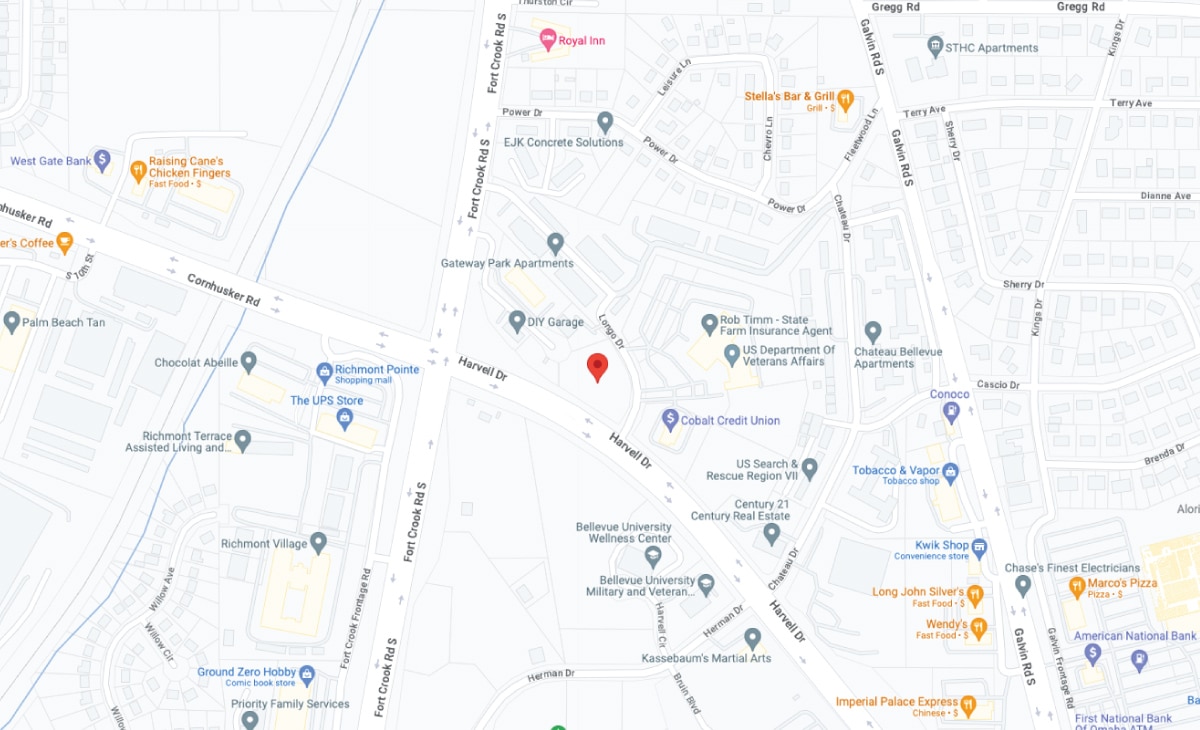
Bellevue
2207 Longo Drive, Bellevue Ne 68005
' icon_select='no' icon='ue800' font='entypo-fontello' custom_id='' av_uid='av-2qwa8vu' sc_version='1.0']
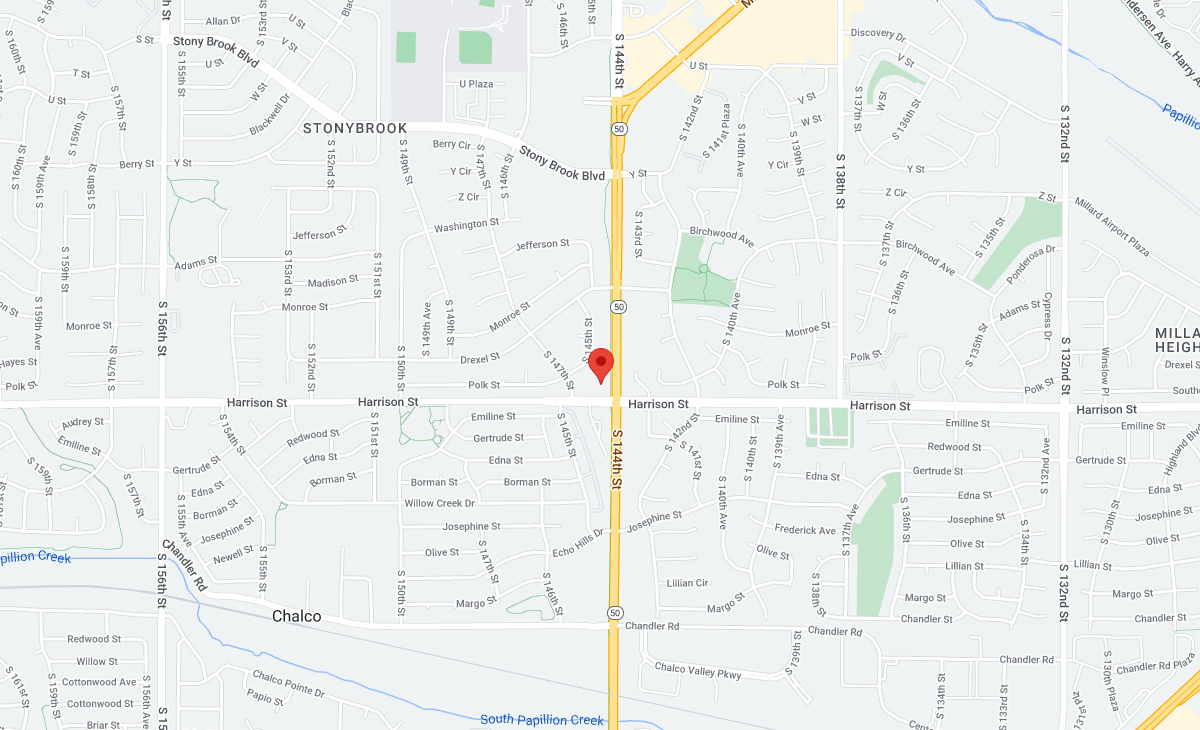
Millard
14406 Harrison St., Omaha, NE 68138
' icon_select='no' icon='ue800' font='entypo-fontello' custom_id='' av_uid='av-26mj8pm' sc_version='1.0']
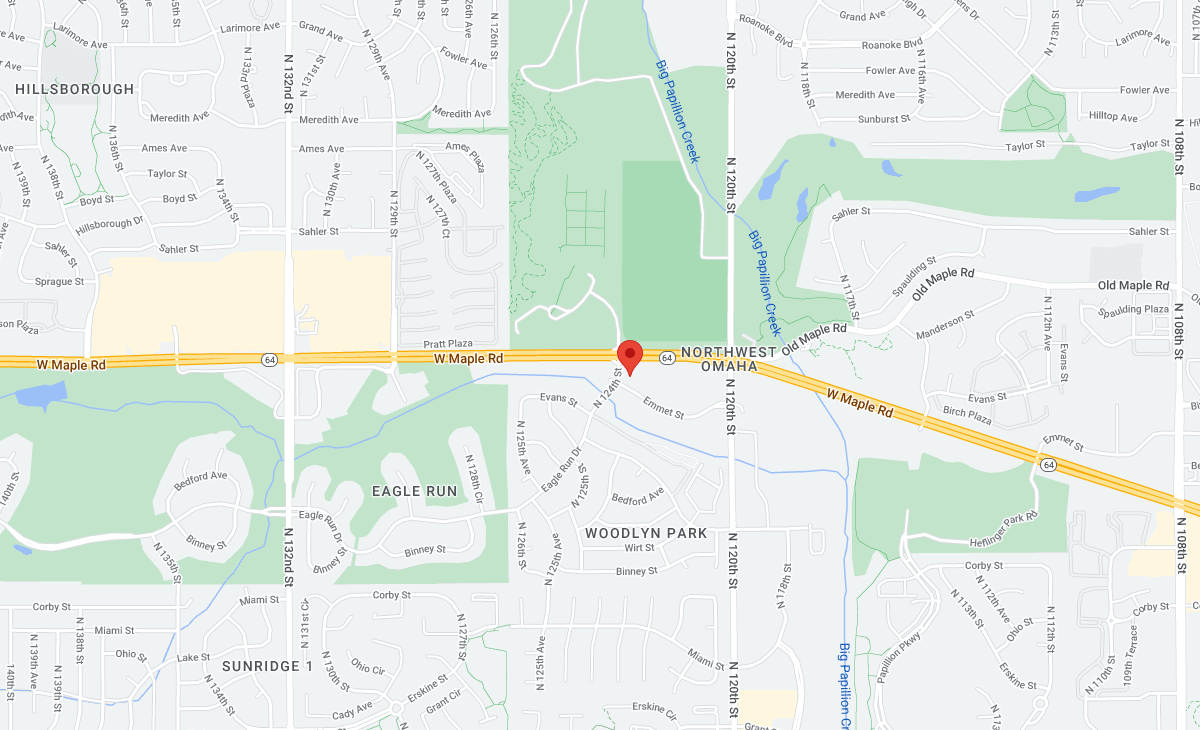
Tranquility
12322 Emmet St., Omaha, NE 68164
' icon_select='no' icon='ue800' font='entypo-fontello' custom_id='' av_uid='av-1hd3m62' sc_version='1.0']
Elkhorn
20211 Manderson St., Elkhorn, NE 68022
' icon_select='no' icon='ue800' font='entypo-fontello' custom_id='' av_uid='av-zplj22' sc_version='1.0']

Fremont
1689 E 23 Street Fremont, NE 68025
' icon_select='no' icon='ue800' font='entypo-fontello' custom_id='' av_uid='av-qnqzoa' sc_version='1.0']

Frequently Asked Questions (FAQ’s)
What is a dry socket?
A dry socket is a painful condition that arises when the blood clot at a tooth extraction site either fails to form or becomes dislodged, exposing the underlying bone and nerves. This exposure can lead to severe pain and increases the risk of infection.
How can I prevent a dry socket after a tooth extraction?
To prevent a dry socket after a tooth extraction, it is essential to avoid smoking, using straws, and consuming hard foods. Meticulously following your dentist’s aftercare instructions will also significantly reduce the risk.
What are the common symptoms of a normal socket after tooth extraction?
Common symptoms of a normal socket after tooth extraction include mild pain, swelling, and tenderness; these symptoms typically decrease within a few days. If these symptoms persist or worsen, it is advisable to seek professional guidance.
When should I contact my dentist after a tooth extraction?
You should contact your dentist immediately if you experience severe pain that worsens, notice visible bone, detect a foul odor from the extraction site, or observe signs of infection like pus or fever. Prompt communication is essential for effective management of post-extraction complications.
What activities should I avoid after a tooth extraction?
To prevent complications such as dry socket, you should avoid smoking, using straws, vigorous rinsing, and consuming hard foods after a tooth extraction.
From Expert Insights to Exceptional Care
Discover Our Dental Services

Urgent Emergency Care
Immediate assistance for dental emergencies, ensuring prompt treatment to alleviate pain and prevent further complications.

Urgent Care Services
Addresses non-emergency but urgent dental concerns, offering advice and treatment options for issues causing pain or stress.

Periodontal Treatment
Specializing in gum health, Omaha Dentists offers periodontal treatments to combat gum disease, ensuring your gums stay healthy to support a strong, beautiful smile.

